LUCERRA

Android TV launcher

A calm home for Android TV.

Five favourites on Home. All apps one press away. No ads, no recommendations, no network permission.

Free and open source. GPL-3.0. Made on a Mi Box 4K.

The shift

Too much noise.

The stock home is a wall of recommendations and promoted rows.

Less friction.

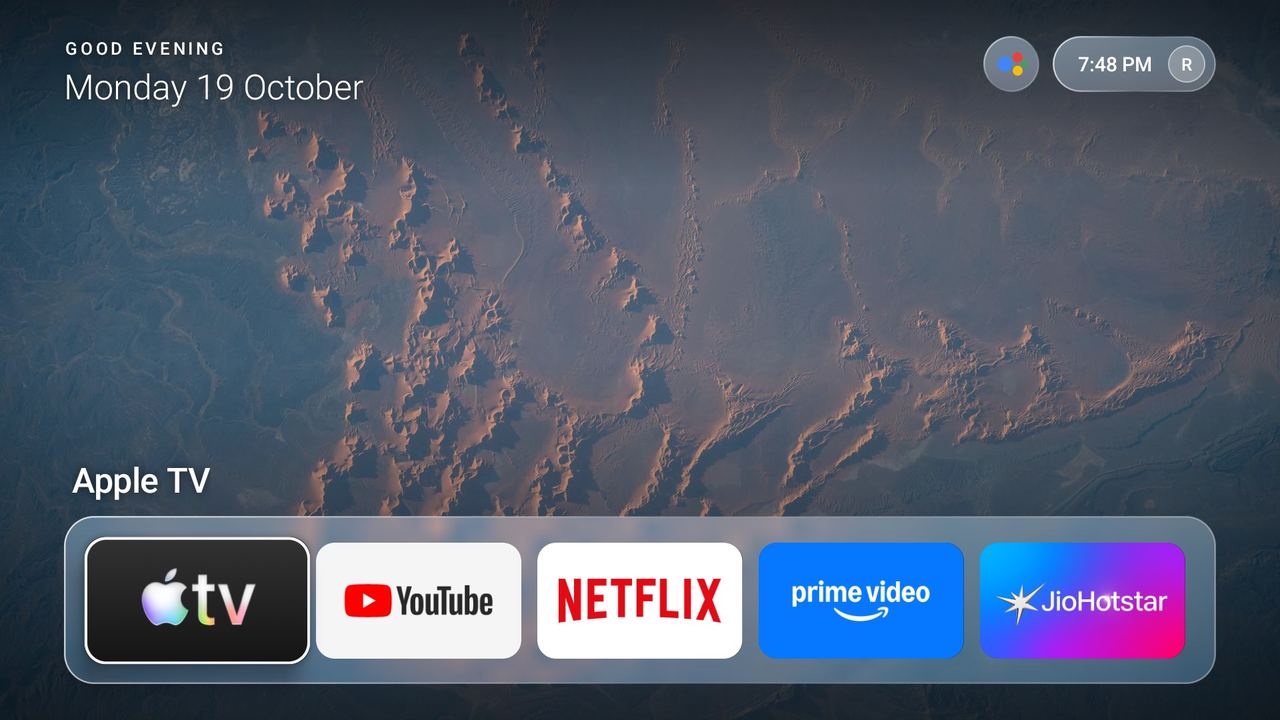
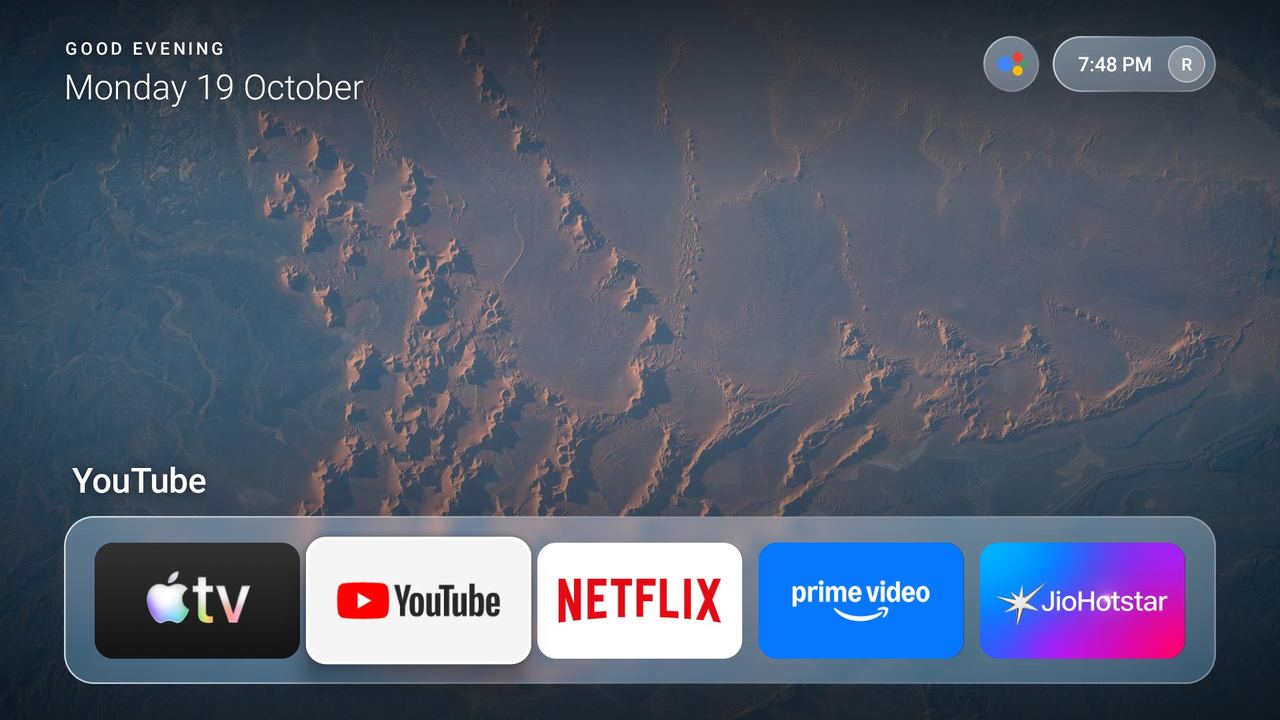
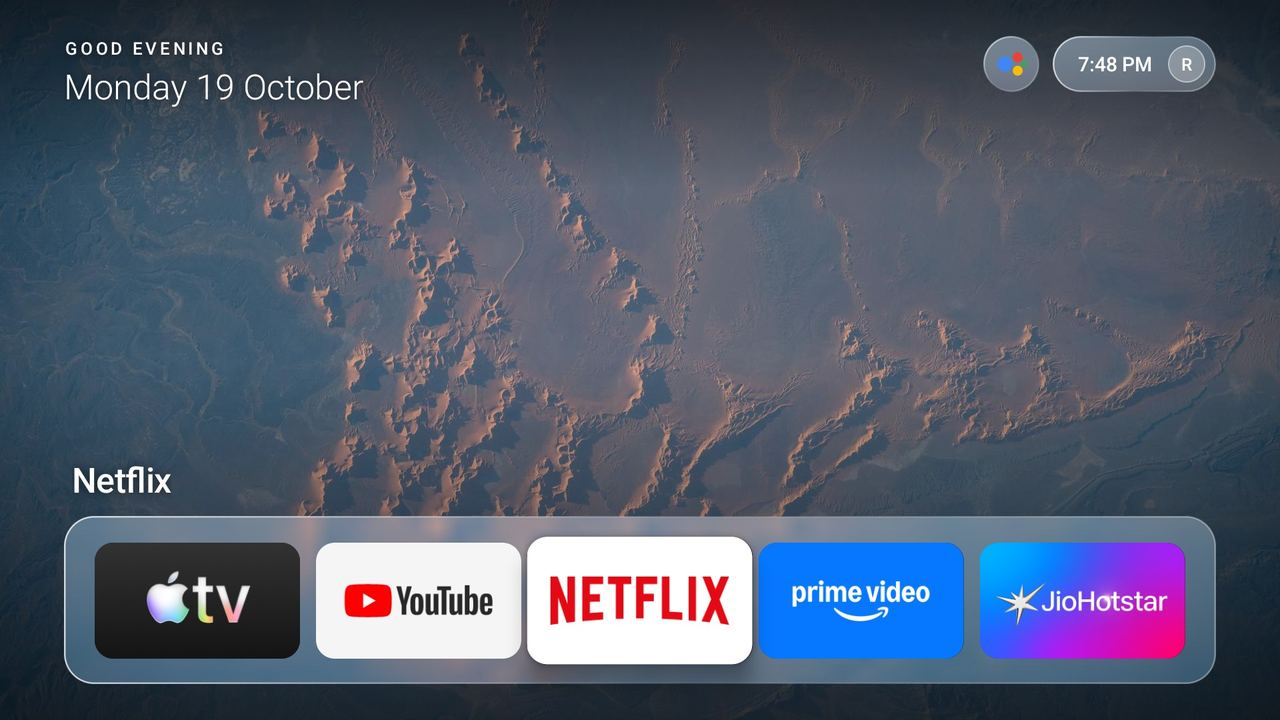
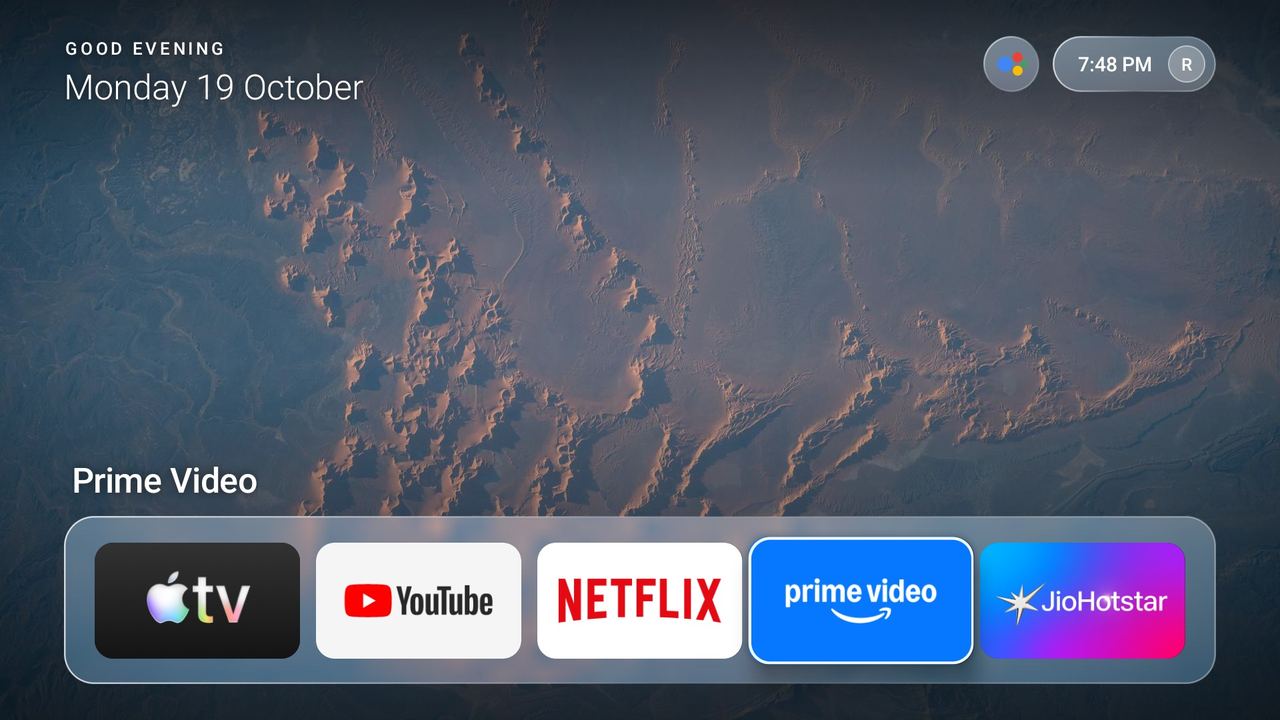
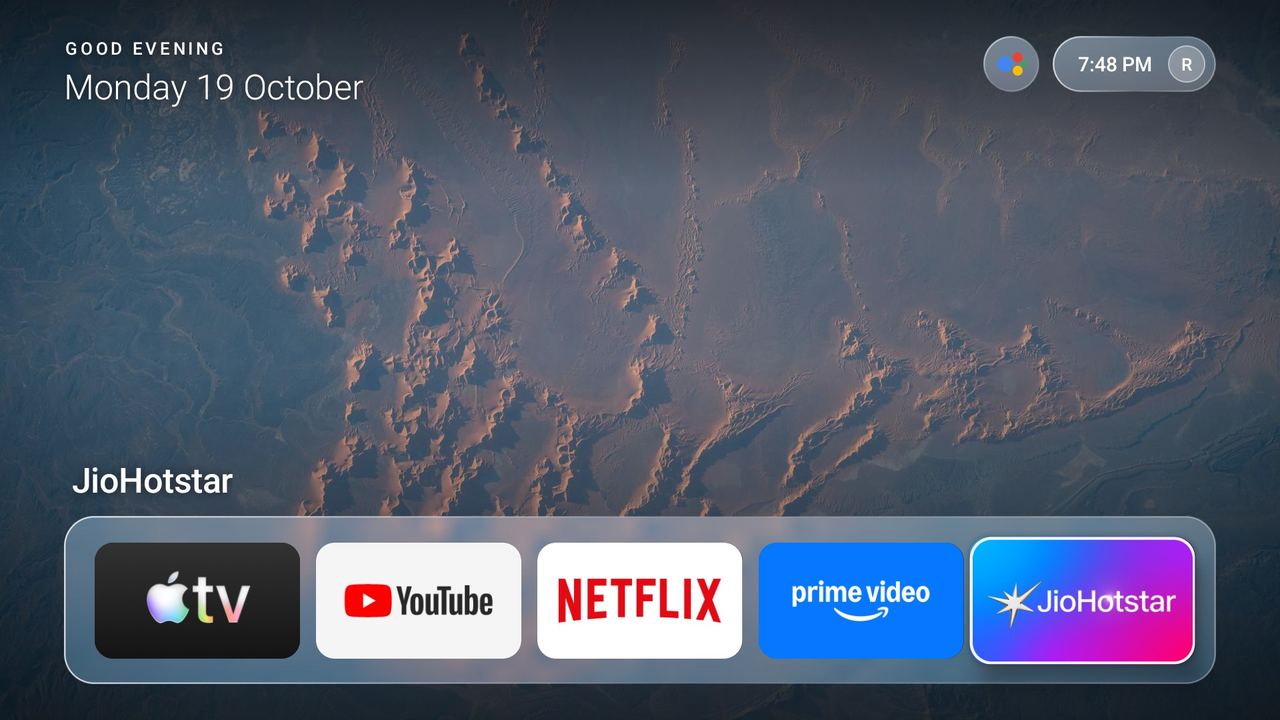
Lucerra replaces it with your apps over a quiet NASA wallpaper, and nothing else.

Five favourites, in reach.

Long-press OK to pin, reorder or remove. A glass Now Playing widget shows Spotify or any media session.

One press to all apps.

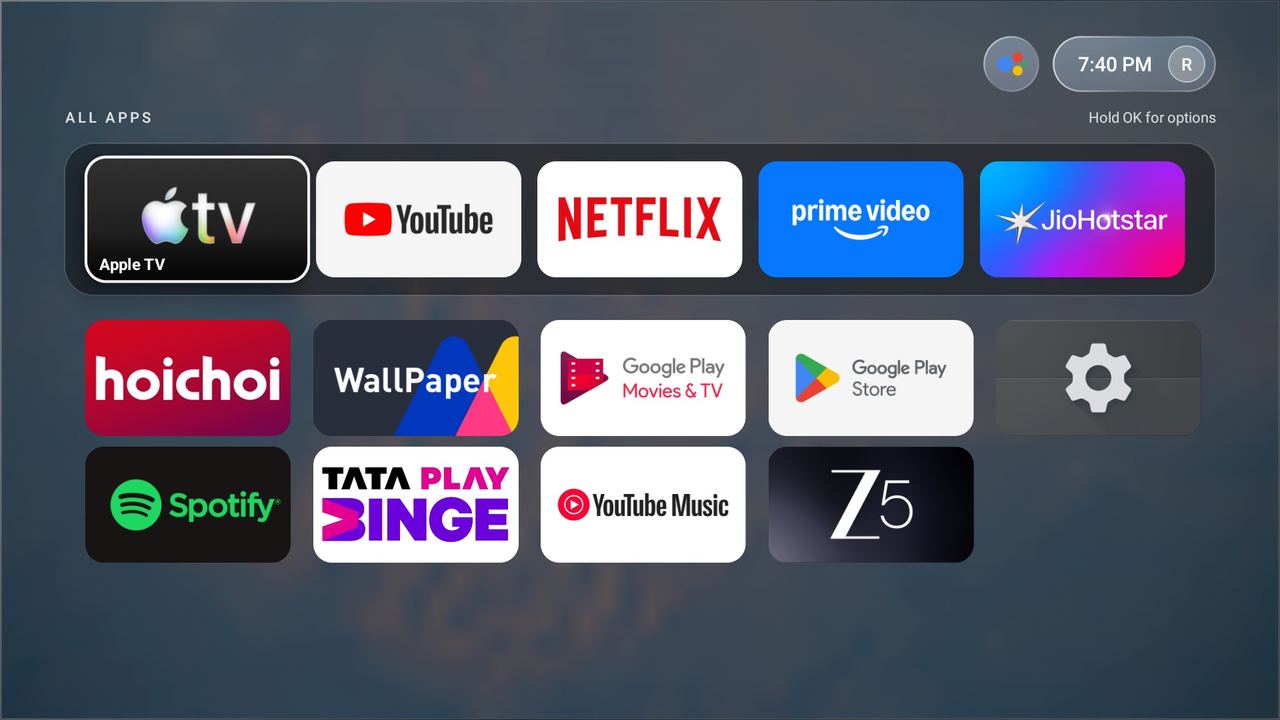
Everything installed is one Up press away, and the remote apps button opens it too.
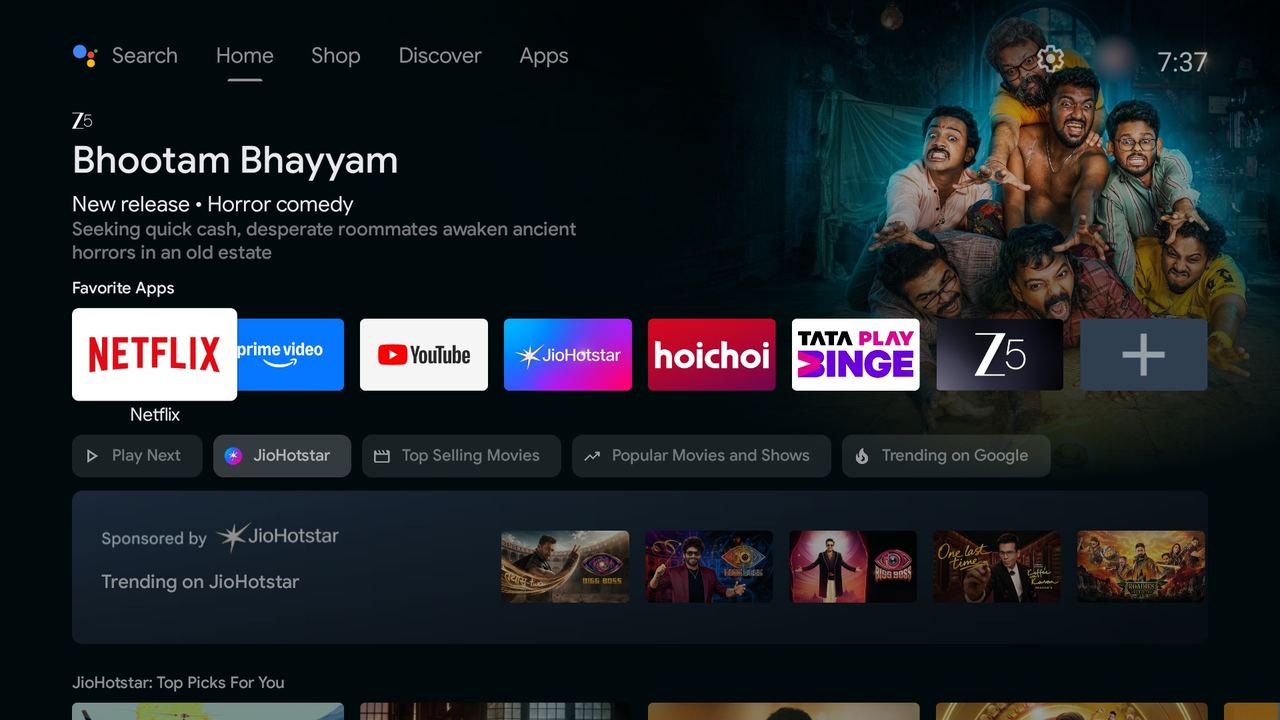
Stock Android TV home with recommendation rowsLucerra home screenLucerra home, YouTube focusedLucerra home, Netflix focusedLucerra home, Prime Video focusedLucerra home, JioHotstar focusedLucerra All Apps screen

Under the hood

Light, private, smooth.

No network permissionLucerra cannot phone home. No ads, no recommendations, no background services.
About 47 MBMemory use on a Mi Box 4K, with about 3% janky frames.
Interruptible motionSpring-driven focus you can redirect mid-move. Switch to Effects: Reduced if you prefer.
Real glass, cheaplyEach wallpaper is blurred once and the dock samples it, so there is no live blur.

Get it

Two commands.

Sideload over adb, then optionally make Lucerra the default Home. Full install guide.

adb connect <tv-ip>:5555
adb install -r Lucerra-Launcher-v0.1.0.apk

Support

Keep it free and ad-free.

Lucerra has no ads and no tracking, and it stays that way because supporters cover the small costs. Optional, and always appreciated.

In India, pay by UPI

Pay with UPIitsrajarshi@upi

The button opens your UPI app on a phone. On a computer, scan the code with your phone or copy the ID.

UPI QR code for itsrajarshi@upi